
Videos
Tours, how-to videos and short clips for NxtGenTV Elite. Every video has narration and English captions.
Tours
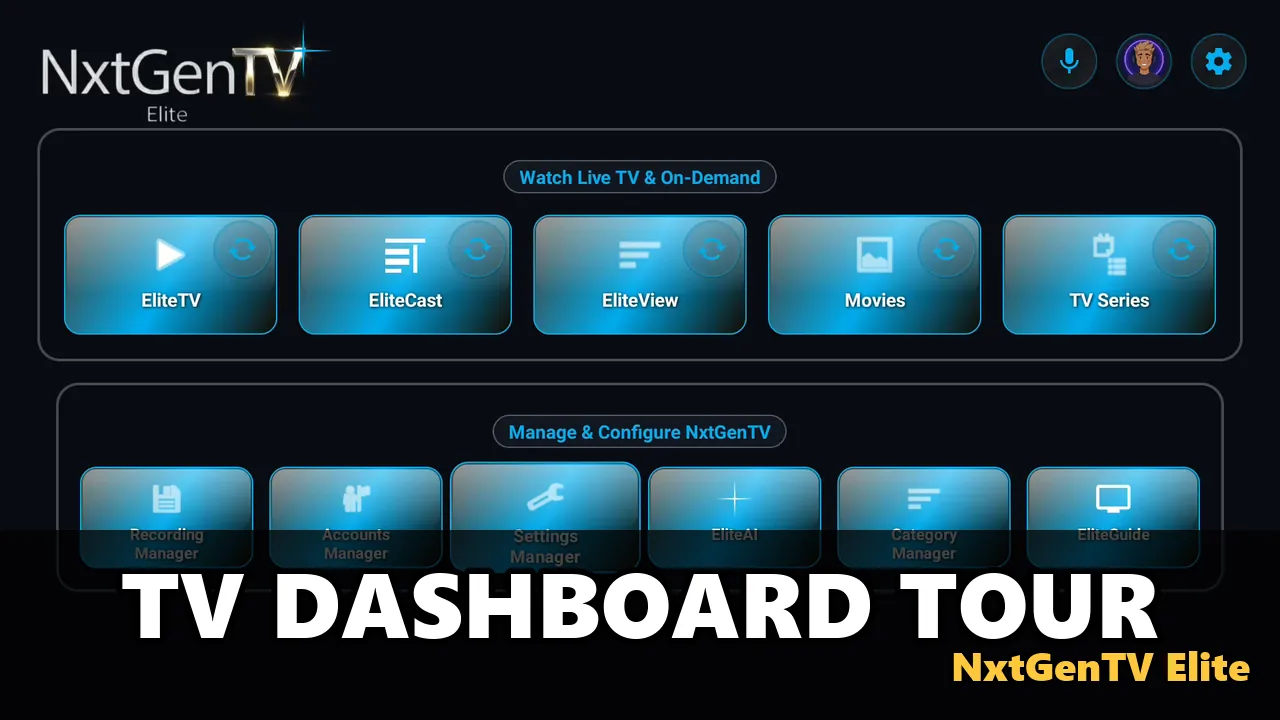
Tour the TV dashboard
3:01
A guided tour of the TV dashboard, with narration and English captions, naming each major module and button in turn: EliteTV, EliteCast, EliteView, Movies, TV Series, the microphone, EliteBot, the gear menu, EliteGuide and the managers.
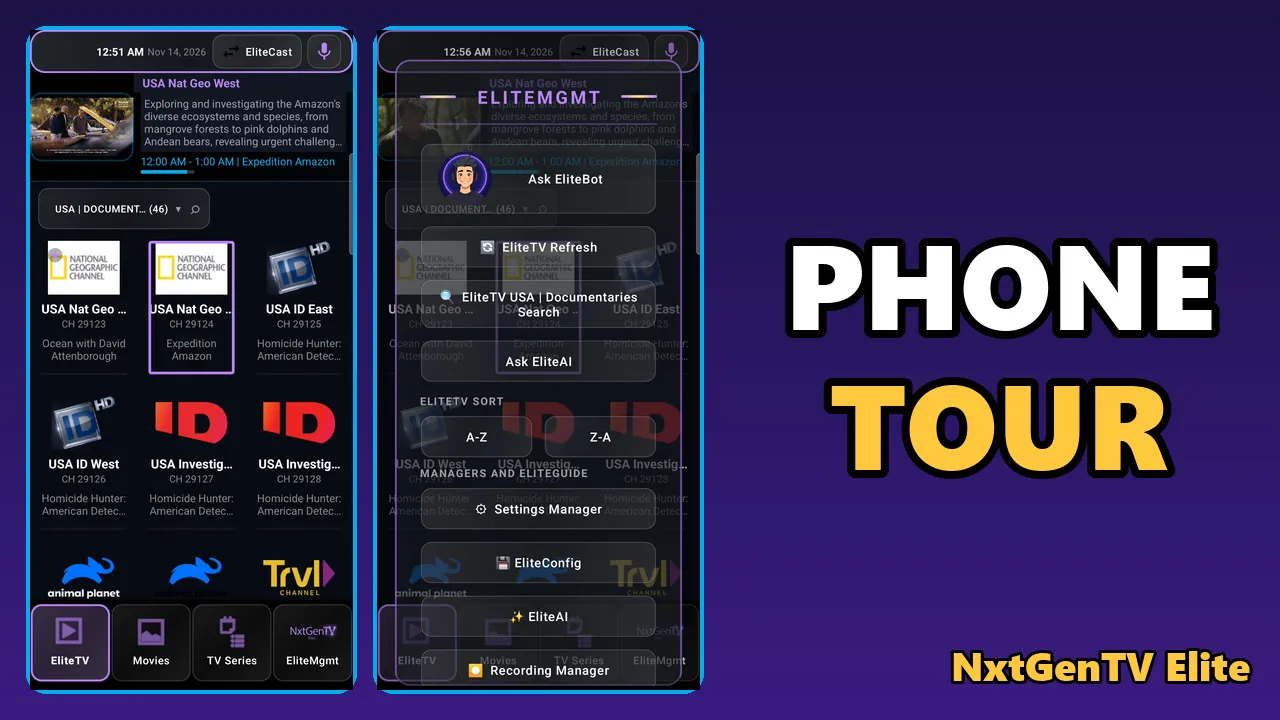
Tour the phone home screen
2:46
A guided tour of the phone, with narration and English captions, naming each tab and button in turn: EliteTV, Movies, TV Series and EliteMgmt, with its Ask EliteBot, Refresh, Search, Ask EliteAI and Sort buttons and the managers.
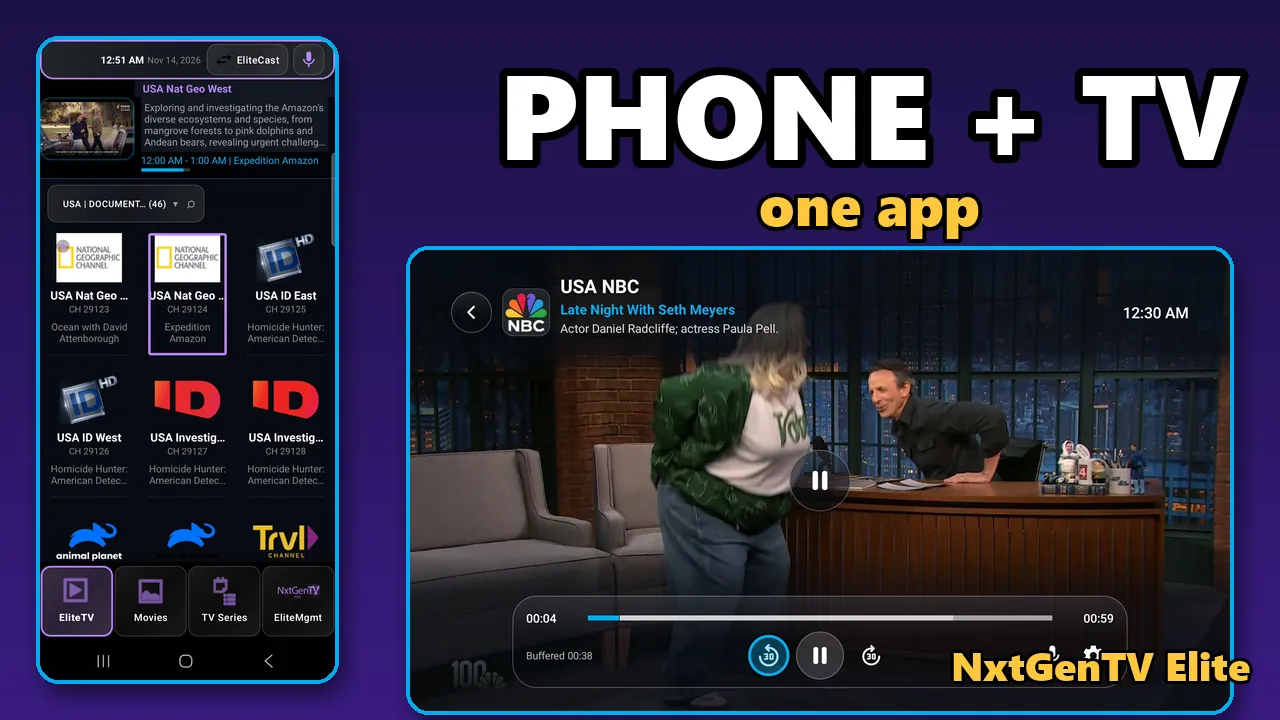
NxtGenTV Elite on your phone and your TV
3:10
A showcase of live TV, recording, the glass channel list and themes on a phone and a TV.
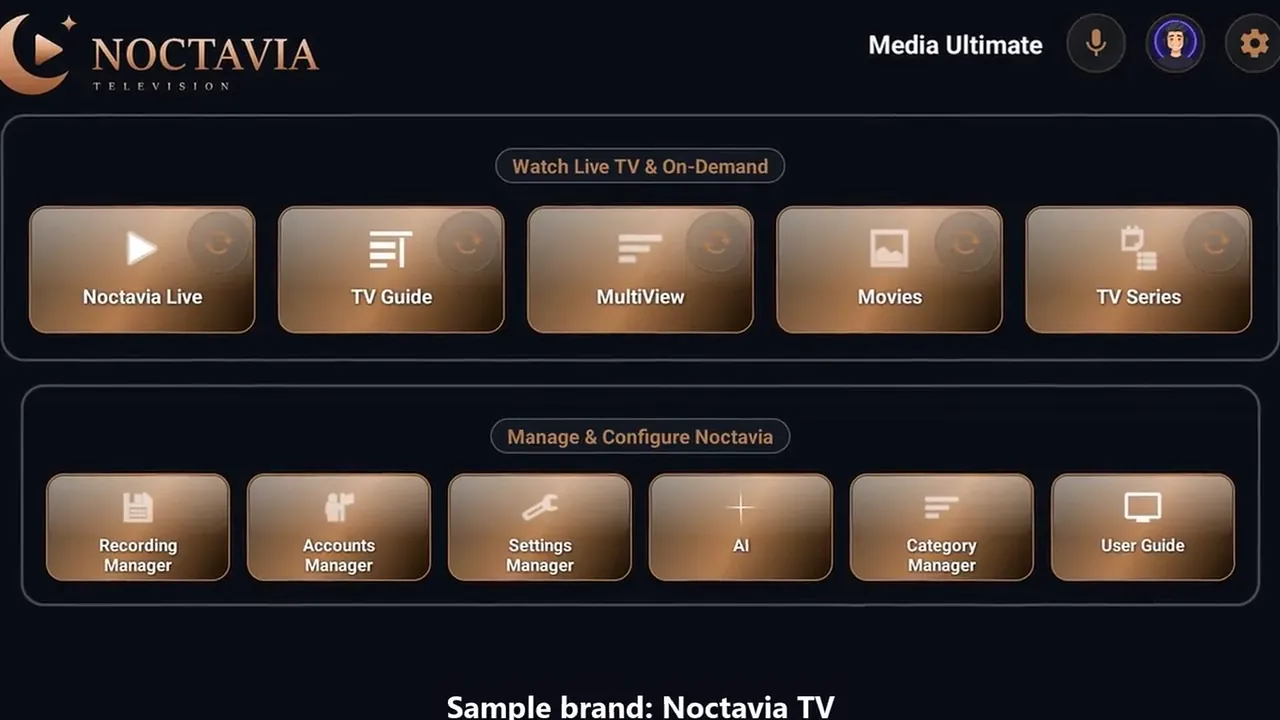
Your own app, under your brand
2:50
A tour of the reseller edition: your name, logo and colours on Android TV, Google TV, Fire TV and phones, shown with our sample brand, Noctavia TV.
How-to
Shorts
Live TV on your Android phone
0:35
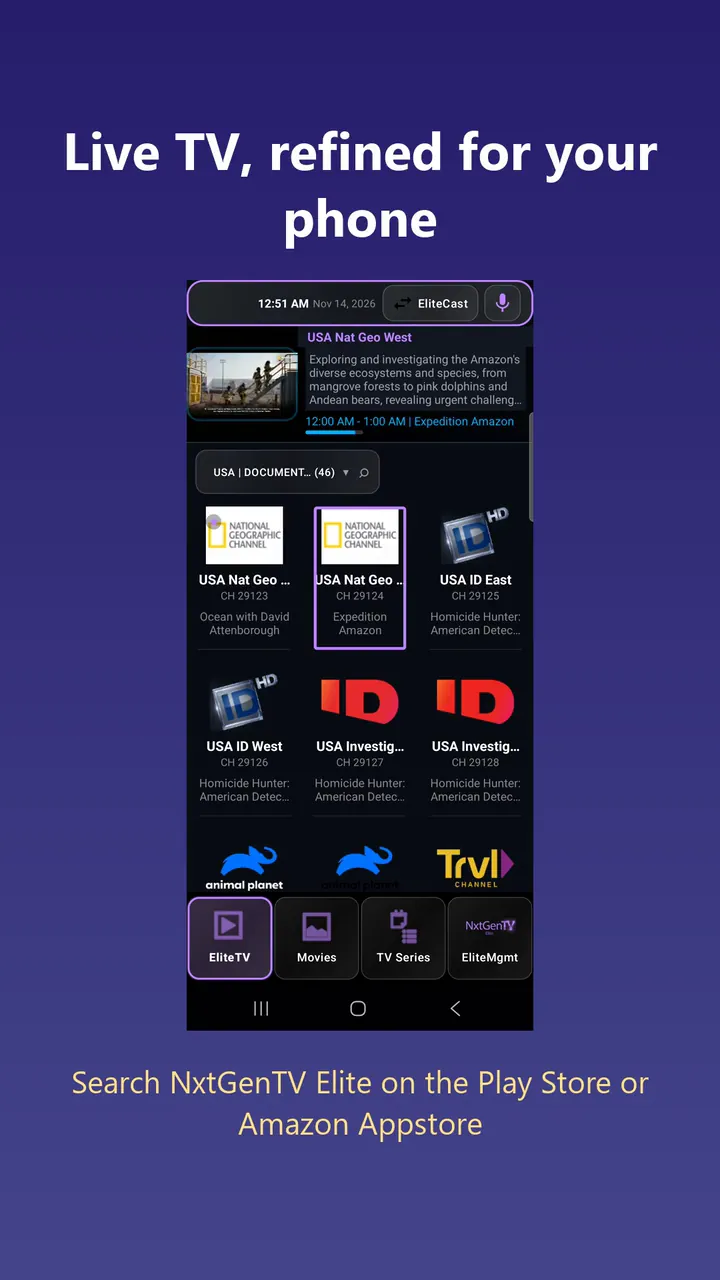
Preview a channel in the grid, swipe in the channel list and make the app yours.
Record live TV on a Fire TV Stick
0:31
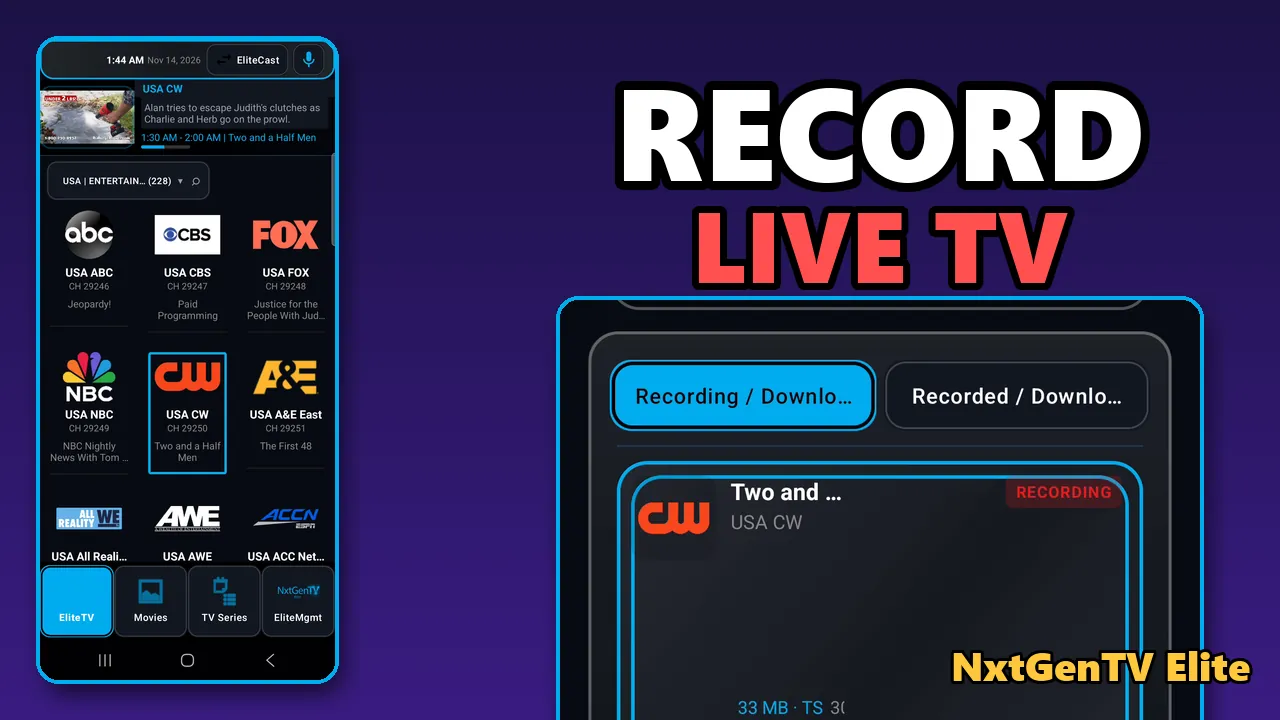
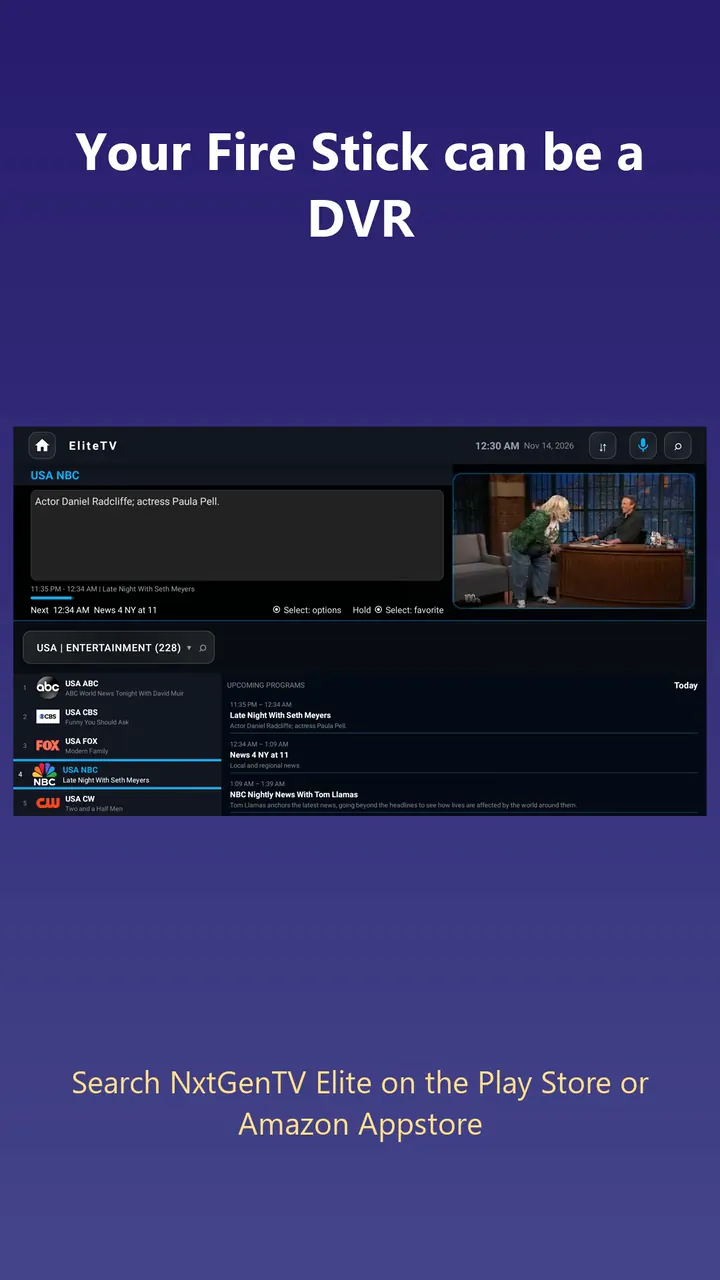
Press Record and it starts right away, on your TV or your phone.
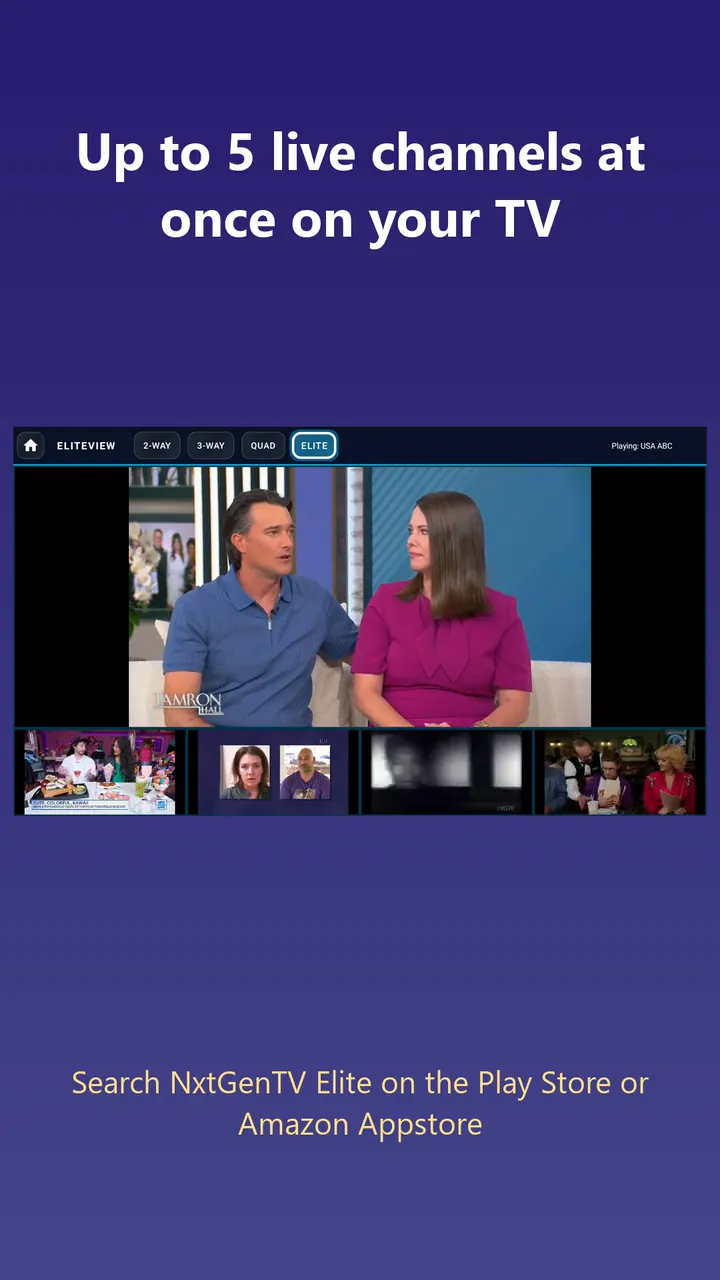
Up to 5 channels at once
0:28
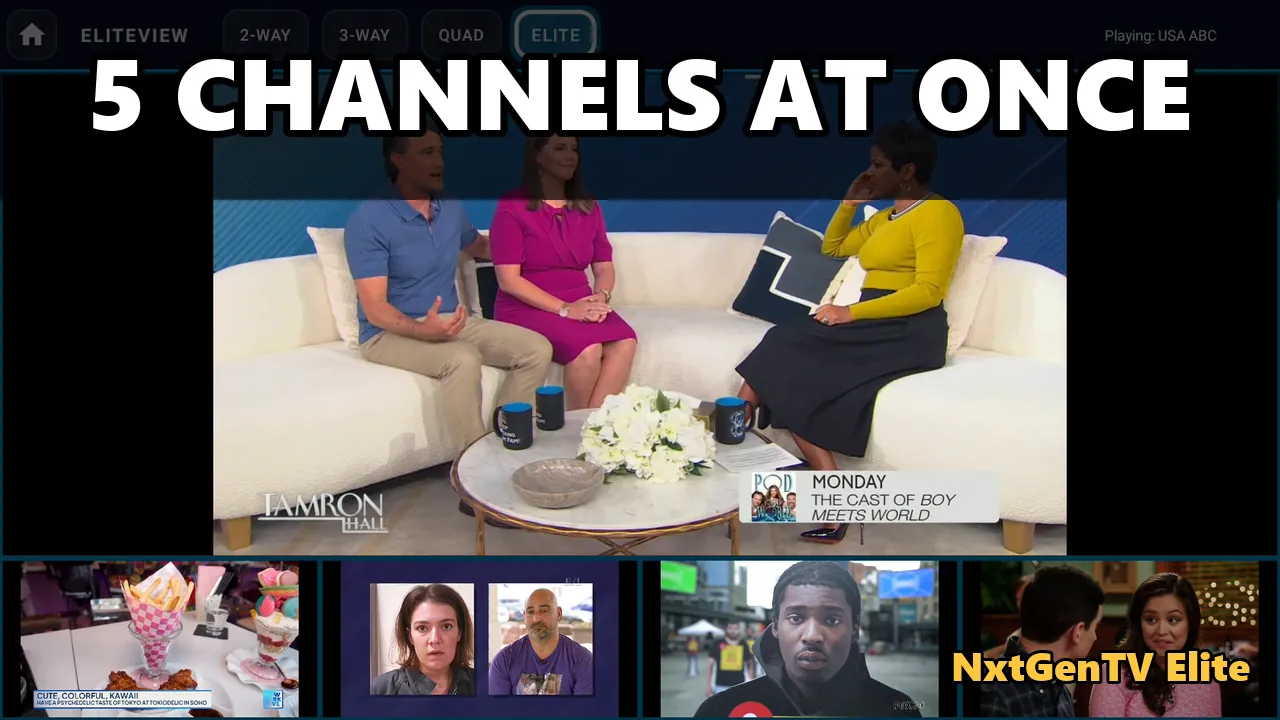
Pick a layout and a channel for each panel.
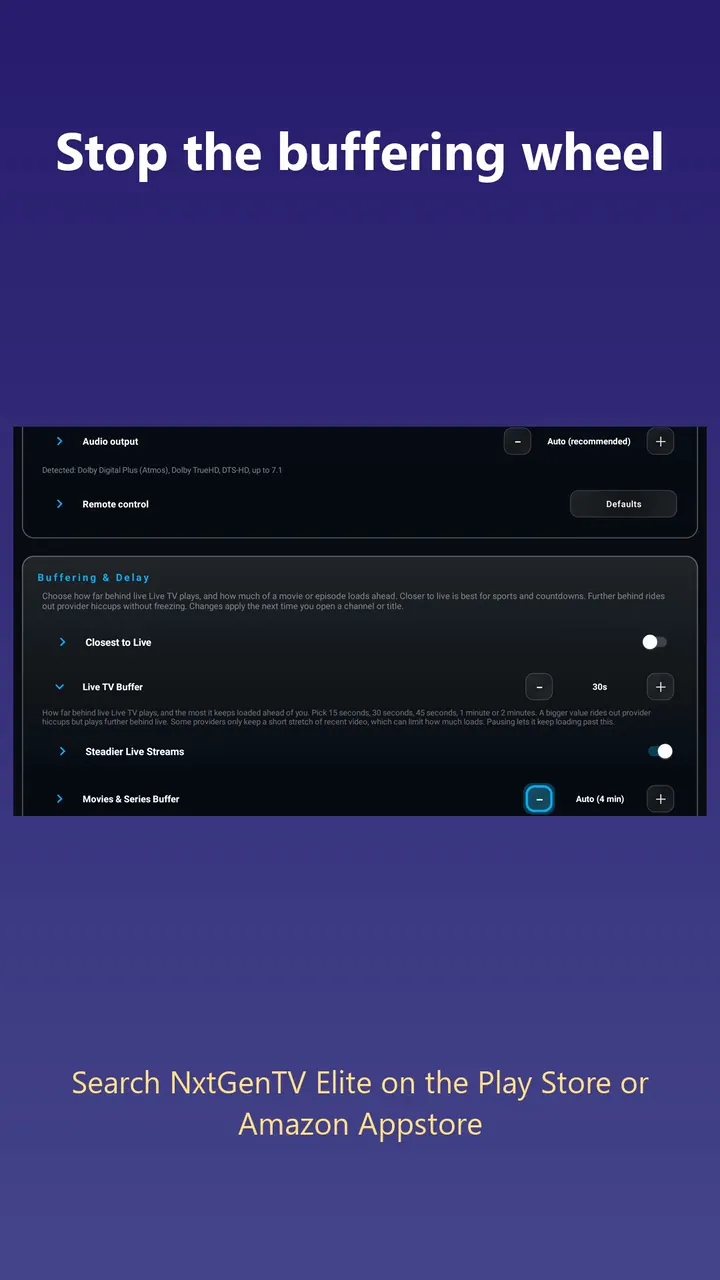
Smoother playback, less buffering
0:29
Set the live TV buffer, and let a dropped channel retry on its own.